01
One intelligence in charge
Crew owns the conversation, identity, memory, permissions, and orchestration while the CLI models underneath remain replaceable workers.
 TROY BUILT AI systems for real work
 Product architecture case study · 2026
Why we built a command center for a fleet of local and remote agents.
Agents became capable of doing real work in parallel. The missing layer was a place to manage them: where they run, what they know, who is listening, what they are allowed to do, and how their work moves forward.
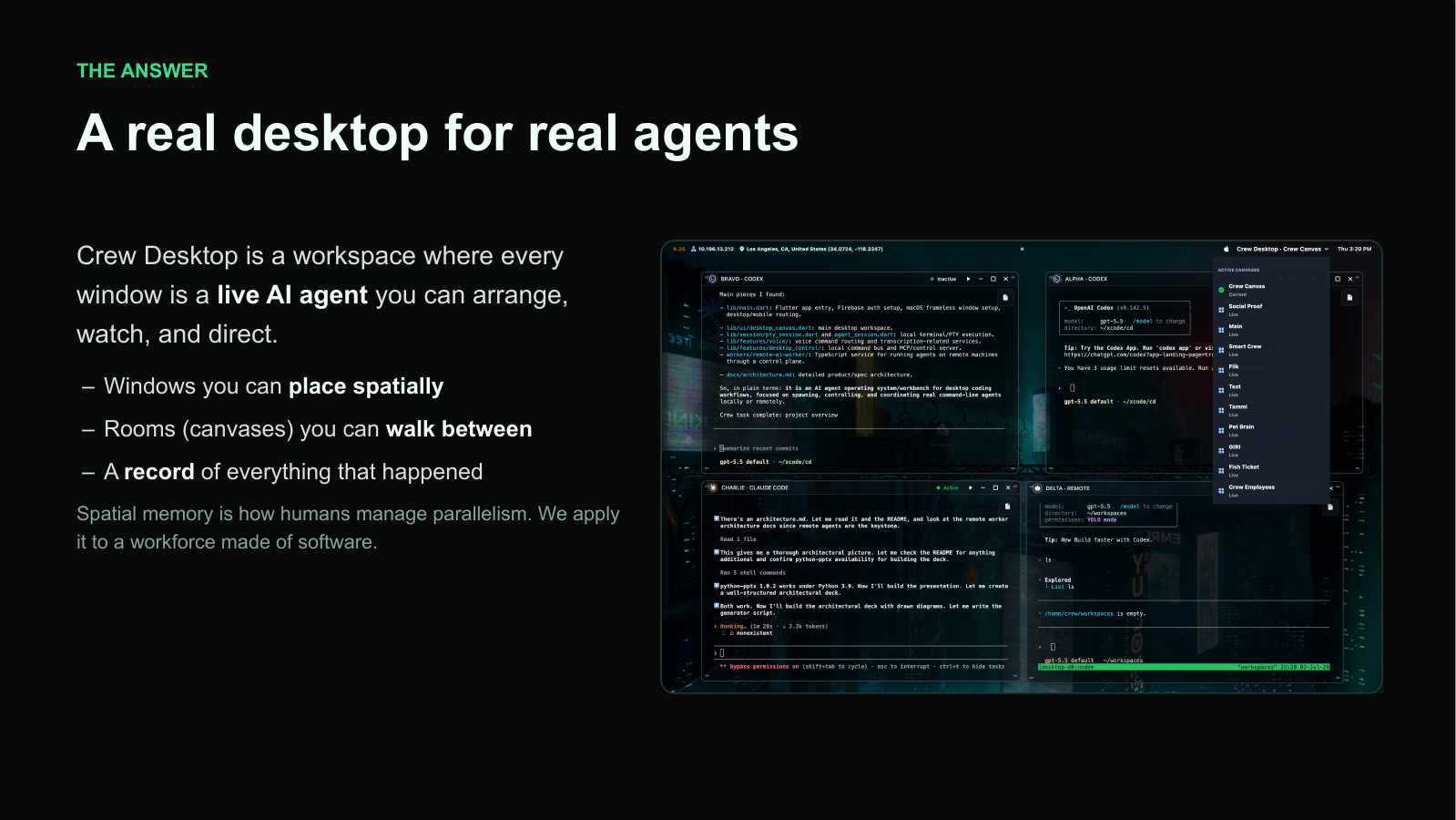
The design problem: a workforce of agents without a shared operating environment.
The reason Crew exists
Teams stopped using AI only to autocomplete and started using it to do the work: one agent writing a migration, another chasing a flaky test, and a third drafting release notes. The work became parallel before the tools for managing it did.
Without a shared command center, the operator is forced to juggle terminal tabs, copy context between agents, remember what is running on which machine, and reconstruct the state of a project after a session ends.
The product thesis
A workforce needs a workplace: one durable layer for direction, memory, visibility, and control across every agent.
What Crew changes
Crew gives the operator one persistent relationship while keeping the workers replaceable. It turns a collection of capable but disconnected processes into a coordinated system.
01
Crew owns the conversation, identity, memory, permissions, and orchestration while the CLI models underneath remain replaceable workers.
02
Canvases preserve working directories, agent windows, artifacts, layouts, and project context so parallel work stays spatially legible.
03
A durable ledger and linked wiki carry forward decisions, findings, approvals, and provenance instead of resetting at the end of a session.
04
Permissions, budgets, schedules, approvals, and audit trails travel with the work across local and remote workers.
The operating model
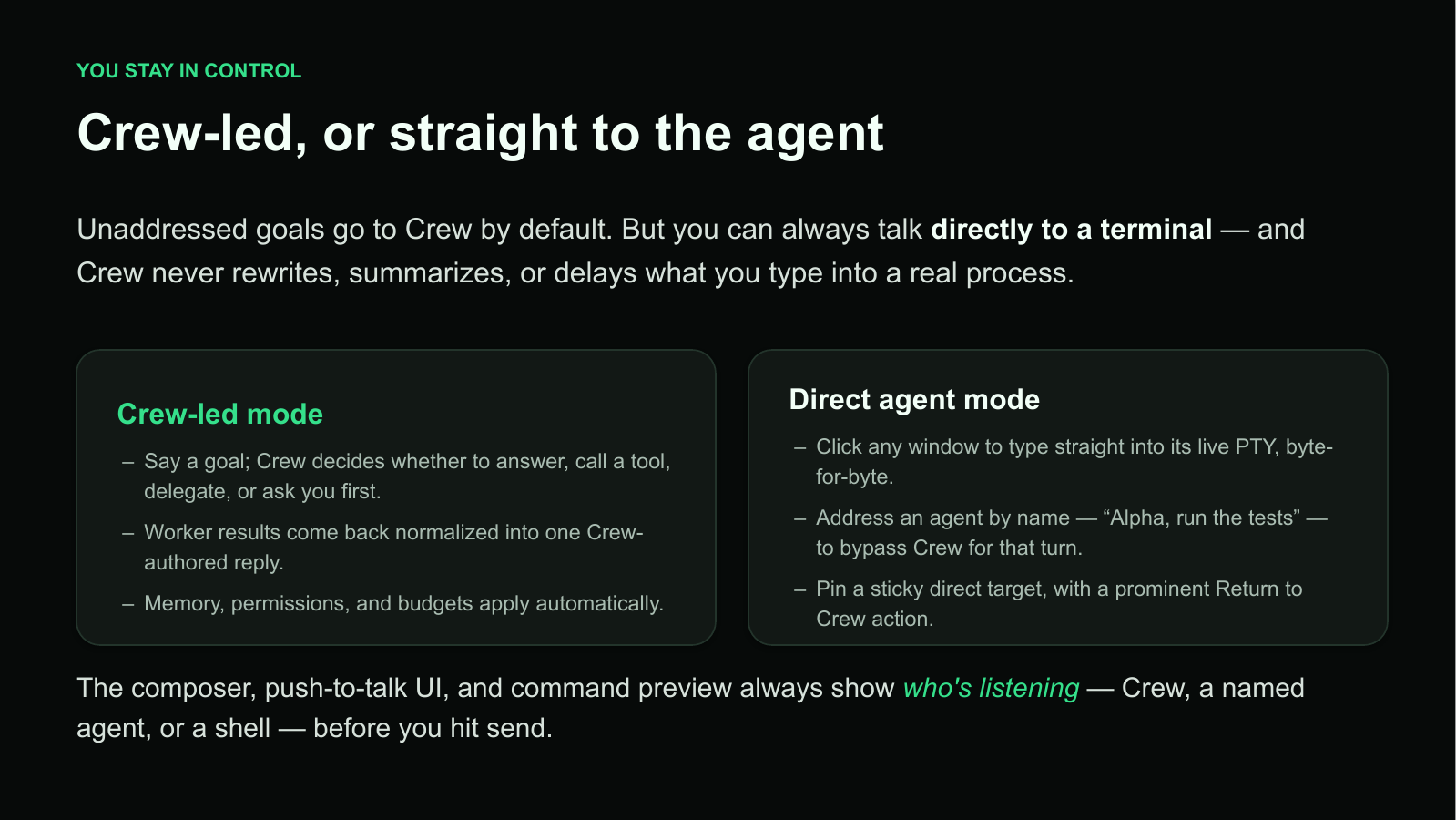
Unaddressed goals go to Crew by default. Crew can answer, use a tool, delegate to the right worker, or ask for approval. When judgment or precision matters, the operator can address any live terminal directly.
Crew-led mode
Crew selects a worker by capability, cost, privacy, and location; normalizes the result into one reply; and applies memory, permissions, budgets, and approval rules automatically.
Direct agent mode
Click any window, address an agent by name, or pin a direct target. Crew makes who is listening visible without rewriting, delaying, or pretending to undo a raw terminal command.
Every input surface shows whether Crew, a named agent, or a shell is listening before the operator sends it.
Local and remote by design
A local PTY, a Mac Studio, a GPU box, a VPS, or Crew Cloud can all appear as the same kind of worker in the desktop. The workspace stays constant while compute moves to wherever the job requires it.
Local agents
Any installed CLI can run as a genuine subprocess on a real PTY, with its native stream, colors, cursor behavior, and permission mode intact.
Remote workers
Persistent tmux and node-pty sessions, outbound secure connections, and a token-gated tunnel let workers survive disconnects without exposing inbound ports.
Shared governance
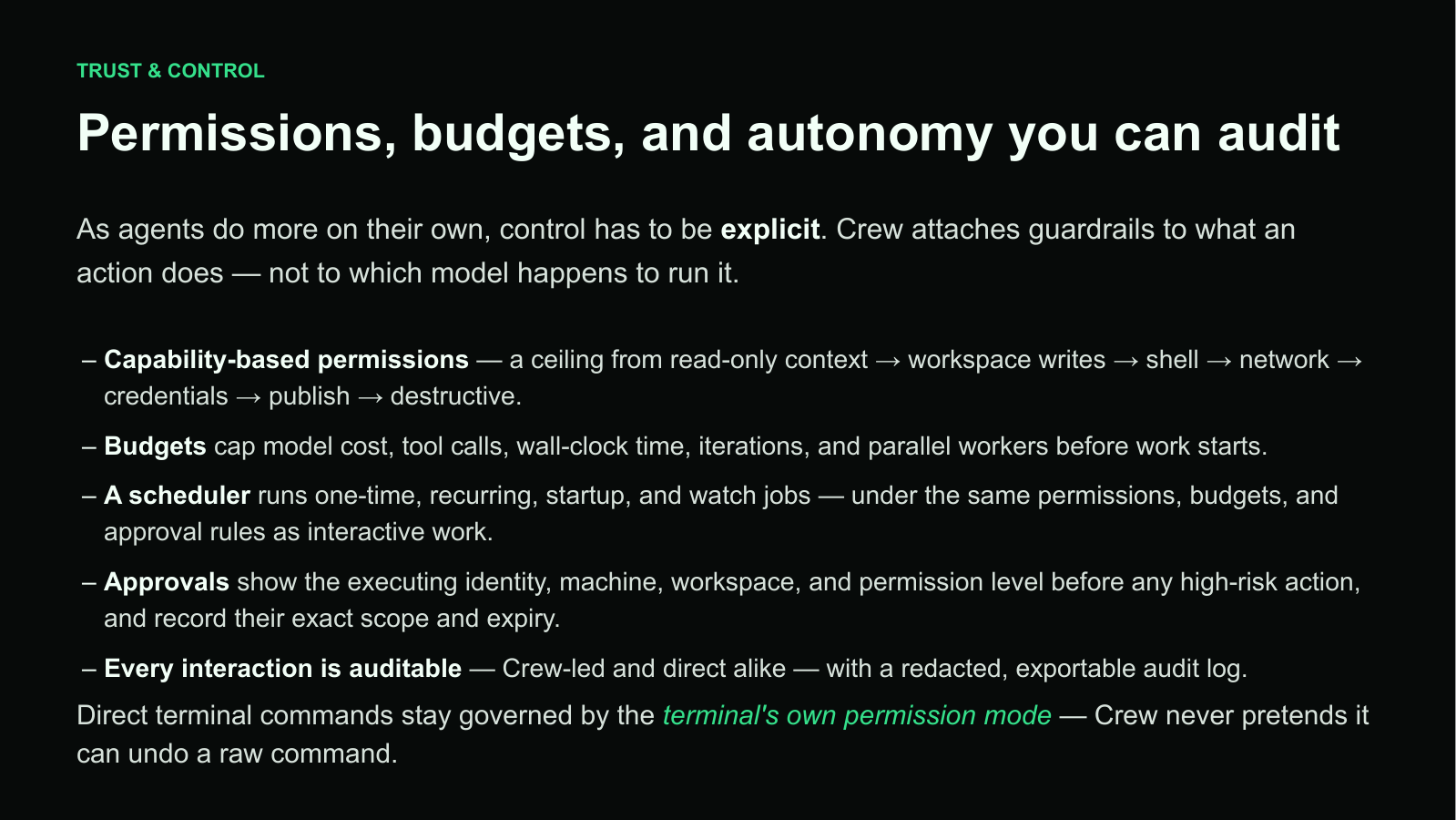
Tenant, workspace, runtime, permission level, cost, time, iterations, and parallel-worker limits bound every task before it starts.
Architecture as a product decision
Voice, canvases, gateways, local agents, remote workers, memory, scheduling, permissions, and budgets are coordinated through one persistent runtime. That shared layer is what makes a fleet operable.
The architecture closes the loop between operator surfaces, the Crew Runtime, and local or remote workers.
The workspace remembers
Individual agents are brilliant and amnesiac. Crew captures working, procedural, semantic, and episodic memory at the right scope, records the decisions that produced it, and feeds verified findings into the next worker’s context.
What changed for the operator
The next operating layer
Crew Desktop is our answer to the coordination problem: one command center for directing, remembering, governing, and scaling a fleet of agents wherever they run.